Clustering Example
This example assumes that the compresso-pytorch and compresso-recsys packages are installed:
pip install compresso-pytorch
pip install compresso-recsys
This notebook demonstrates a basic clustering workflow. We first import Compresso and its recommender-system extension, then download Amazon metadata and build a checkpoint for the experiment.
Build checkpoint & encode item descriptions
[1]:
import compresso
import compresso_recsys as cr
import pandas as pd

from compresso import clustering as cc
from compresso import TopKSAETrainer, TopKSAEConfig, L1Normalize

checkpoint_path = cr.build_recsys_checkpoint(
    dataset="amazon2023",
    amazon_category="Office_Products",
    checkpoint_path="artifacts/amazon_office.zip",
    metadata_text_fields=["title", "features", "description", "categories"],
    split_mode="item_split",
    min_entity_text_words=20,
    val_items=500,
    test_items=1000,
    min_user_support=10,
    item_min_support=10,
    min_value_to_keep=1.0,
    set_all_values_to=1.0,
    min_source_items=1,
    min_target_items=1,
    annotation_source="none",
    show_progress=True,
    include_image_urls=True,
)
Now let’s load the item metadata from the checkpoint and inspect a sample of the data.
[2]:
with cr.read_checkpoint(checkpoint_path) as root:
    split = cr.load_recsys_split(root)
    meta = split["entity_metadata"]

meta[["item_id", "title", "entity_text", "image_url"]].sample(5)
[2]:
| item_id | title | entity_text | image_url | |
|---|---|---|---|---|
| 1448 | B01BYKUI9C | HP 65 Black Ink Cartridge | Works with HP AMP ... | Title: HP 65 Black Ink Cartridge | Works with ... | https://m.media-amazon.com/images/I/61GAiSy74W... |
| 2115 | B07F9SVWXW | Quartet Dry Erase Markers, Whiteboard Markers,... | Title: Quartet Dry Erase Markers, Whiteboard M... | https://m.media-amazon.com/images/I/61b1qTIOLB... |
| 1921 | B078Z65VQY | Canon PIXMA G4210 Wireless All-In-One Supertan... | Title: Canon PIXMA G4210 Wireless All-In-One S... | https://m.media-amazon.com/images/I/81sbe681tY... |
| 4175 | B0BXR5F7LS | Westcott B-70 8ths Graph Beveled Ruler, 12 in | Title: Westcott B-70 8ths Graph Beveled Ruler,... | https://m.media-amazon.com/images/I/81e+DtAFL5... |
| 134 | B0003WN0DO | Sharpie Fine Electro Pop Marker, Fine Point, A... | Title: Sharpie Fine Electro Pop Marker, Fine P... | https://m.media-amazon.com/images/I/81W3-nzwxi... |
Next, we create semantic embeddings with the sentence_transformers library.
[3]:
from sentence_transformers import SentenceTransformer

sbert = SentenceTransformer("sentence-transformers/all-MiniLM-L6-v2")

item_embeddings = sbert.encode(
    meta.entity_text,
    convert_to_numpy=True,
    normalize_embeddings=True,
    show_progress_bar=True
)

item_embeddings.shape
Warning: You are sending unauthenticated requests to the HF Hub. Please set a HF_TOKEN to enable higher rate limits and faster downloads.
[3]:
(4445, 384)
Now let’s create a sparse autoencoder, train it, and obtain sparse item embeddings.
Train sparse autoencoder and obtain sparse codes
[4]:
sae = TopKSAETrainer(
    TopKSAEConfig(
        hidden_dim=4096,
        k=32,
        batch_size=1024,
        epochs=100,
        lr=1e-3,
        decay=True,
        post_sparsify=L1Normalize(),
        sparsify_score_mode="abs",
        sparsify_ste_alpha=0.01,
        device="cpu",
    )
)

sparse_embeddings = sae.fit_transform(item_embeddings)

sparse_embeddings.shape
[4]:
(4445, 4096)
Clustering
Next, we create clusters based on sparse-representation similarity.
[5]:
cluster_graph = cc.SRPSimilarityClustering(
            threshold=0.5,            # minimum semantic similarity between items inside a cluster
            top_k=None,               # None = all pairs above threshold
            min_cluster_size=20,      # smaller clusters are discarded
            normalize_rows=True,      # centroids of the cluster will be normalized
            min_local_density=None,   # optional cleanup
            centroid_top_k=8,         # how many top features are included in centroid definition
            batch_size=32,
            show_progress=True,
        )(sparse_embeddings)

print(f"Number of discovered clusters: {len(cluster_graph.clusters)}, active_clusters: {len(cluster_graph.active_clusters)}, root clusters: {len(cluster_graph.root_clusters)}")
Number of discovered clusters: 28, active_clusters: 28, root clusters: 28
Labeling
Next, we label the discovered clusters.
For labeling, we need two functions:
a text extractor that receives a cluster and the item metadata dataframe, then returns item descriptions as a string
a labeling function that receives those item descriptions and returns a concise cluster name
This example uses a locally running gpt-oss:20b model through Ollama. The same pattern can be adapted to another local model or provider API.
[8]:
import ollama

MODEL = "gpt-oss:20b"

def label_cluster(items: str) -> str:

    prompt = f"""You are given a list of items, each with metadata.

    1. Identify the most common concept that links all the items
    2. Convert that concept into a segment name suitable for a recommendation system.

    The segment name must be title-case, concise (2-5 words), and sound natural — like a content
    category. Prefer distinctive labels over generic ones.

    Output: Only the final segment name, nothing else.

    Items:
    {items}

    Segment name:"""

    response = ollama.chat(
        model=MODEL,
        messages=[
            {
                "role": "system",
                "content": (
                    "You are a strict classification model. "
                    "Return only one segment name. Never explain."
                ),
            },
            {
                "role": "user",
                "content": prompt,
            },
        ],
        options={
            "temperature": 0.0,
            "num_predict": 1000,
            "num_ctx": 8192,
        },
        think="low",
        stream=False,
    )

    content = response["message"]["content"] if response["message"]["content"] is not None else None

    return content

def item_texts(cluster: compresso.clustering.types.SparseCluster, metadata: pd.DataFrame, limit: int = 50) -> str:
    rows = metadata.iloc[cluster.entity_indices] # select rows with items that are members of the cluster
    if len(rows) > limit: # optionally sample maximum allowed number of items to save tokens
        rows = rows.sample(limit)
    return "\n".join(rows["title"].fillna("").tolist()) # just return item titles, one per row


print("Items texts for the first cluster in the graph:\n")
texts = item_texts(cluster_graph.clusters[0], meta, limit=10)
print(texts)

print("\nLLM label for the first cluster:", label_cluster(texts))
Items texts for the first cluster in the graph:

Sharp EL-1901 Paperless Printing Calculator with Check and Correct, 12-Digit LCD Primary Display, Functions the Same as a Printing Calculator/Adding Machine with Scrolling LCD Display Instead of Paper
Texas Instruments TI-1795 SV Standard Function Calculator
Victor 1180-3A 12-Digit Standard Function Calculator, Battery and Solar Hybrid Powered Adjustable Angle LCD Display, Great for Home and Office Desks, Black
Sharp EL233SB Standard Function Calculator
Sharp El-1501 Compact Cordless Paperless Large 12-Digit Display Desktop Printing Calculator That Utilizes Printing Calculator Logic
Sharp EL-M335 10-Digit Extra Large Desktop Calculator with Currency Conversion Functions, Tax, Percent and Backspace Keys, and a Large Angled LCD Display, Perfect for Home or Office Use
Casio SL-100L Basic Solar Folding Compact Calculator, Multicolor
Sharp EL-1611V Handheld Portable Cordless 12 Digit Large LCD Display Two-Color Printing Calculator with Tax Functions, 191 x 99 x 42 mm
Casio SL-300VC Standard Function Calculator, Orange 2.75 x 4.63
Casio HS-8VA, Solar Powered Standard Function Calculator

LLM label for the first cluster: Calculator Devices
Now we can apply the labeling function to the full cluster graph.
[9]:
cluster_graph = cc.LabelClusters(
            entity_metadata=meta,
            text_extractor=item_texts,
            label_fn=label_cluster,
            cluster_scope="all",
            show_progress=True,
        )(cluster_graph)
Visualization
We can also visualize clusters alongside a sample of their items.
[10]:
import pandas as pd
from IPython.display import HTML

# construct a dataframe with cluster label and 5 random sampled item images belonging to the cluster
def visualize_clusters(cluster_graph):
    data = [
        (
            cluster_graph.clusters[i].label,
            meta.iloc[cluster_graph.clusters[i].entity_indices].image_url.sample(5).to_list()
        ) for i in range(len(cluster_graph.clusters))
    ]

    df = pd.DataFrame(data, columns=["Cluster", "image_urls"])

    def image_gallery(urls):
        imgs = [
            f'<img src="{url}" style="height:80px; margin:4px; object-fit:contain;">'
            for url in urls
        ]
        return "<div style='display:flex; flex-wrap:wrap; gap:6px;'>" + "".join(imgs) + "</div>"

    df_render = df.copy()
    df_render["Items (sample)"] = df_render["image_urls"].map(image_gallery)

    html = df_render[["Cluster", "Items (sample)"]].to_html(
        escape=False,
        index=False
    )

    return HTML(html)

visualize_clusters(cluster_graph)
[10]:
| Cluster | Items (sample) |
|---|---|
| Desktop & Handheld Calculators |      |
| Office Organization Essentials |      |
| Office & Packaging Supplies |      |
| Photo Printing Paper |      |
| HP Printer Ink |      |
| Paper Trimmers |      |
| Dry Erase & Marker Supplies |      |
| Binder Tab Dividers |     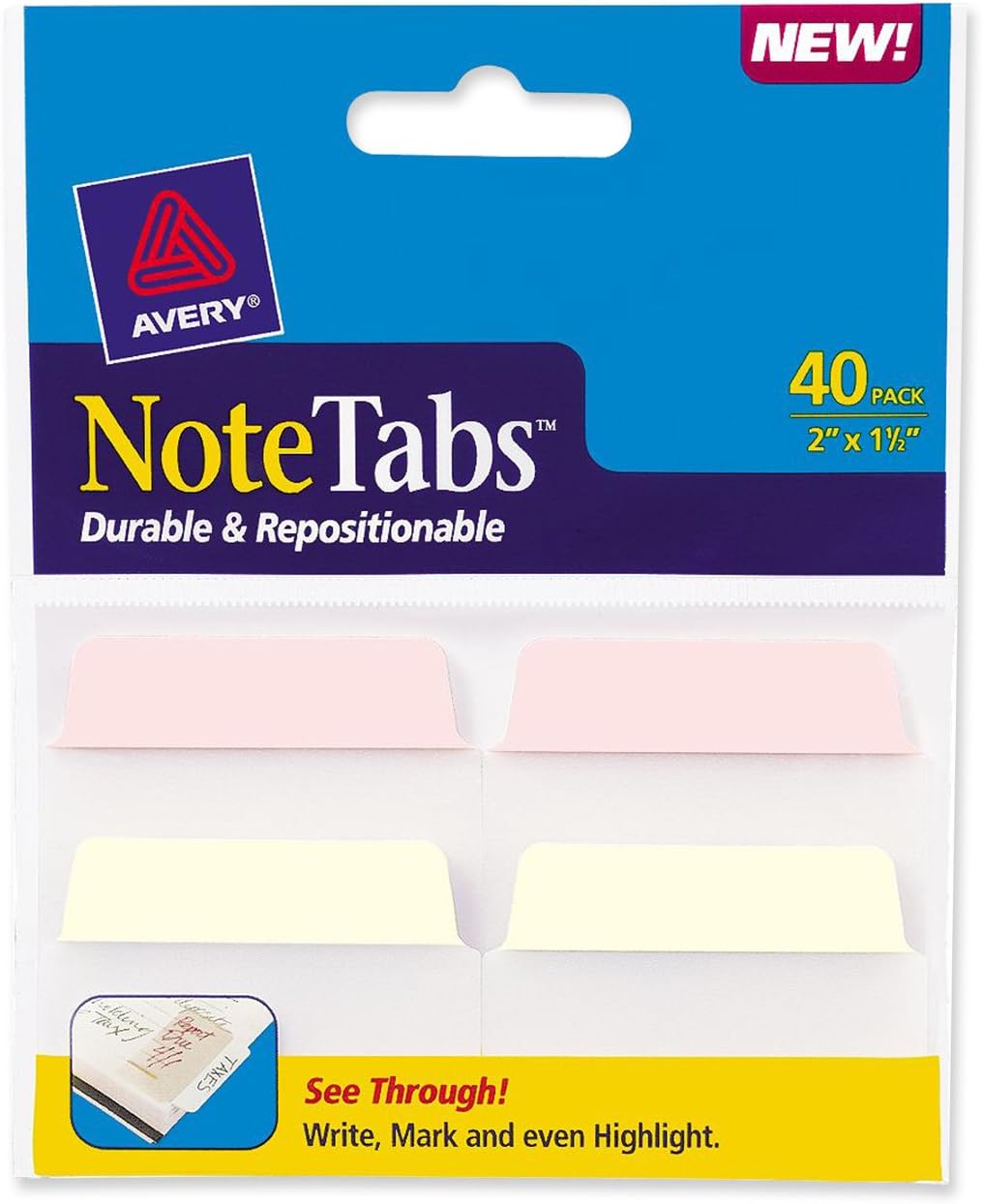 |
| Notebook & Paper |      |
| Pens & Pencils |   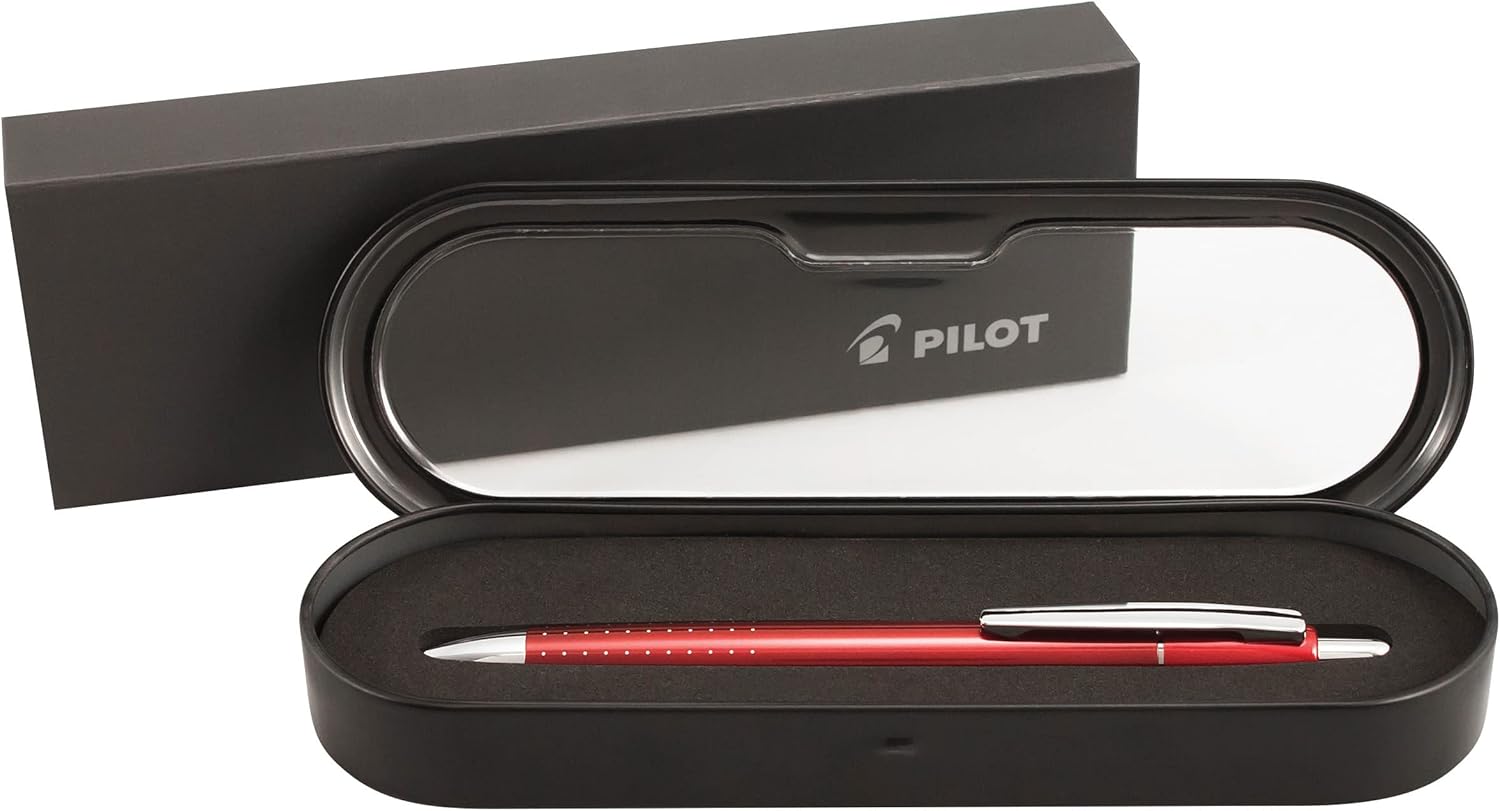   |
| Pencil Sharpeners |      |
| Premium Colored Pencils |      |
| Label & File Organization |      |
| Index Card Sets | 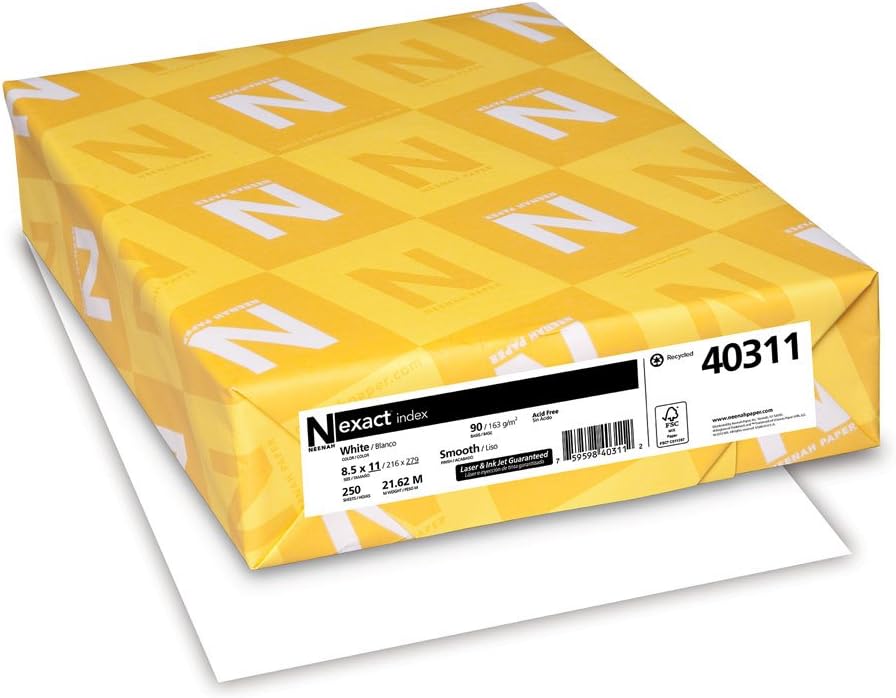     |
| Staplers & Staples |   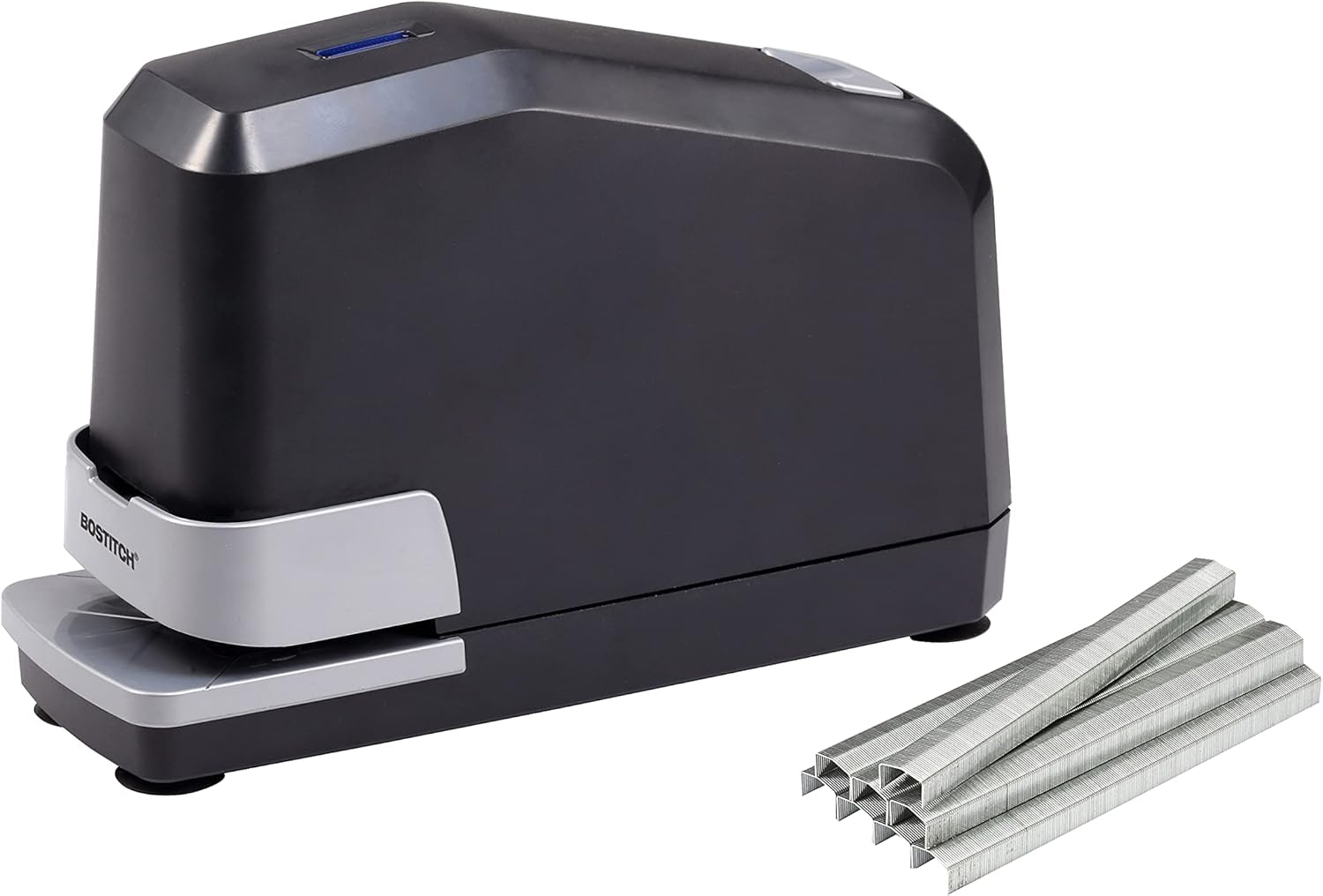   |
| Envelopes\n\n |      |
| Wireless All‑In‑One Printers | 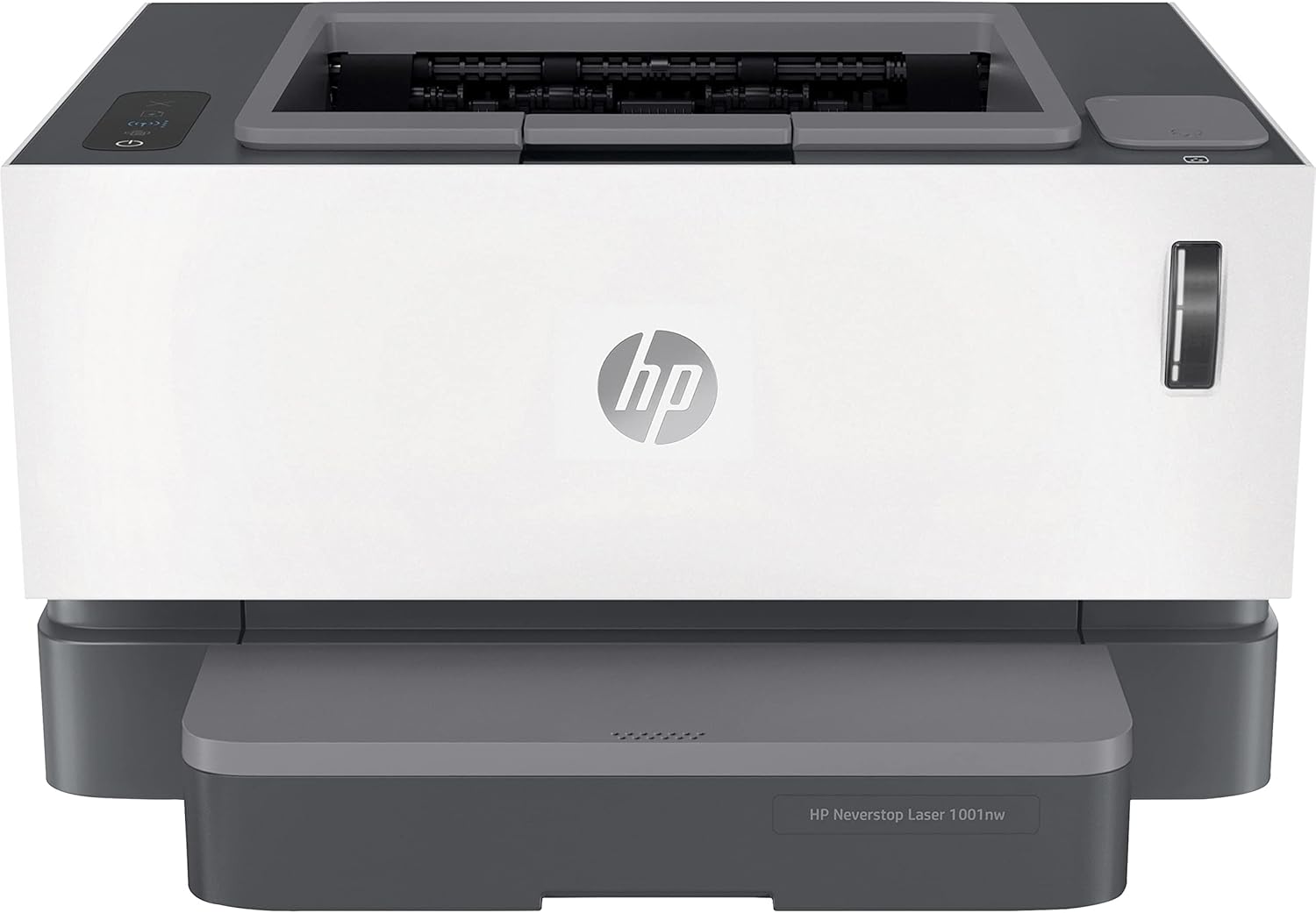     |
| Thermal Laminators & Pouches |      |
| Office Printer Paper |      |
| Ergonomic Gaming Desk Mat | 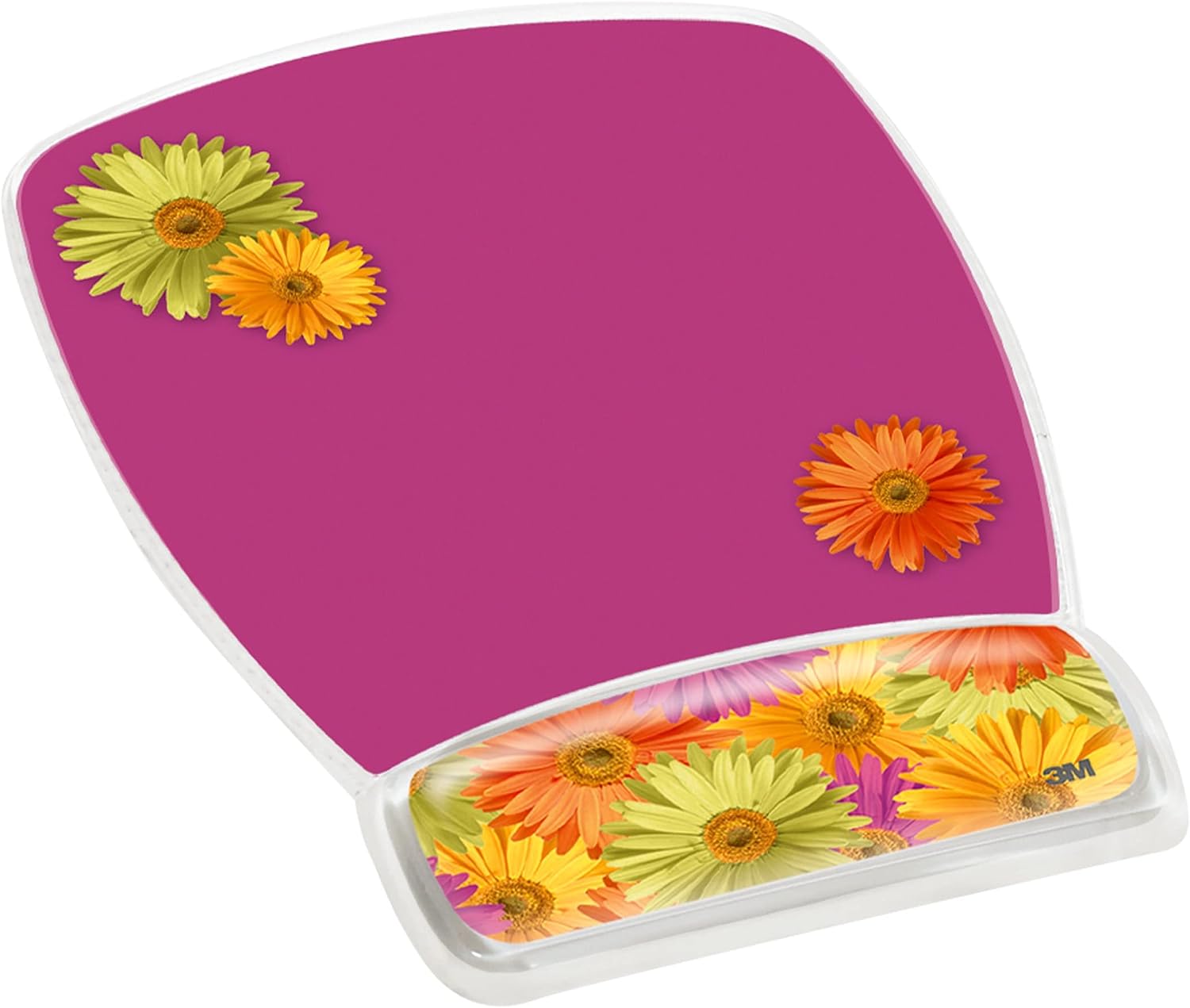  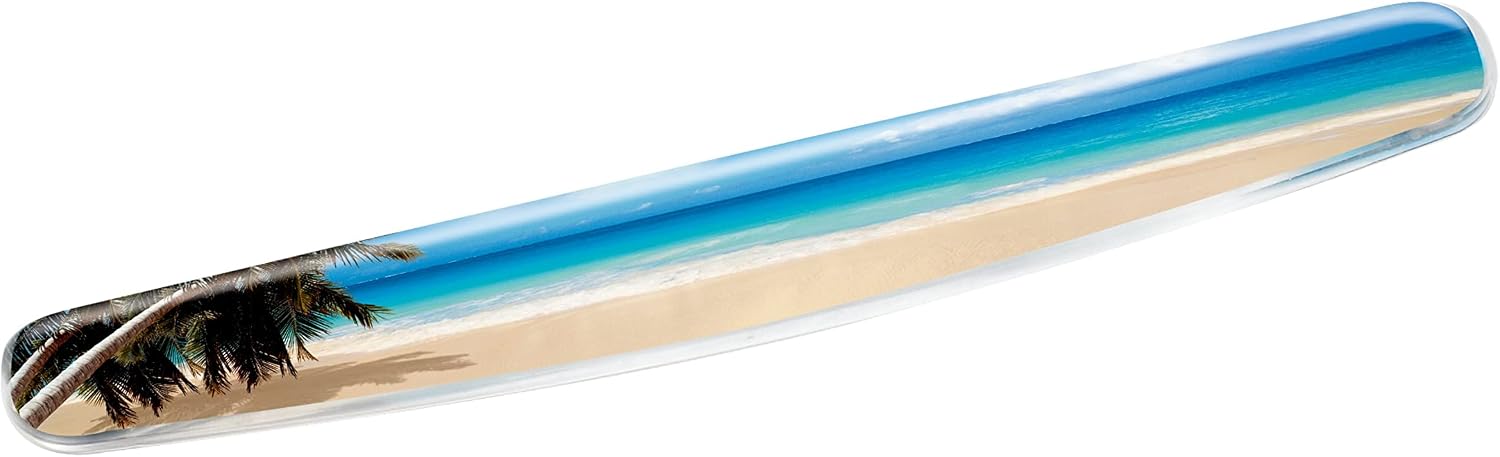   |
| Cordless Home Phone Systems |    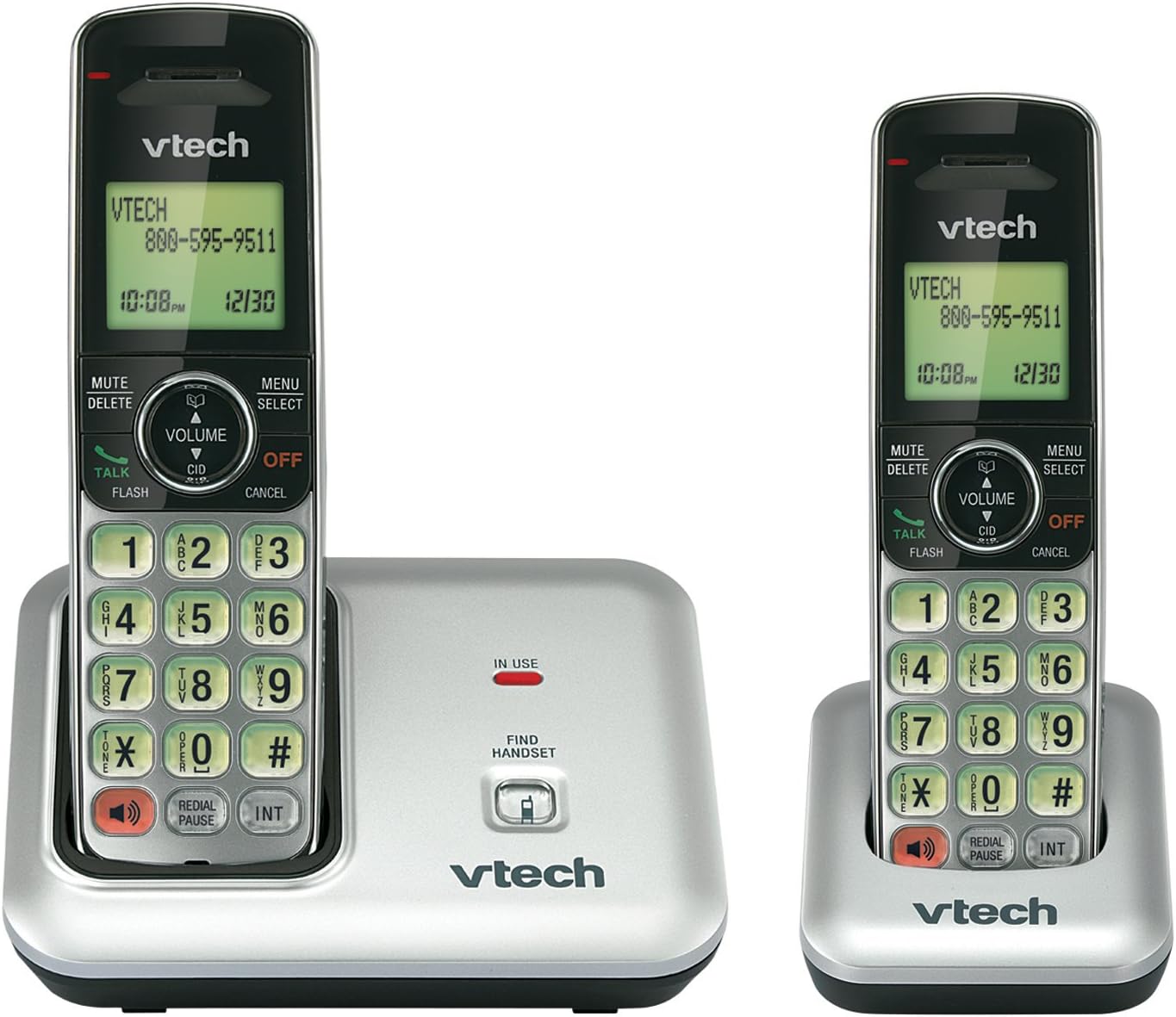  |
| Epson All‑In‑One Printing Solutions |      |
| Tombow Mono Stationery Essentials |      |
| Multi‑Compartment Desk Caddy |      |
| Electric Pencil Sharpeners |  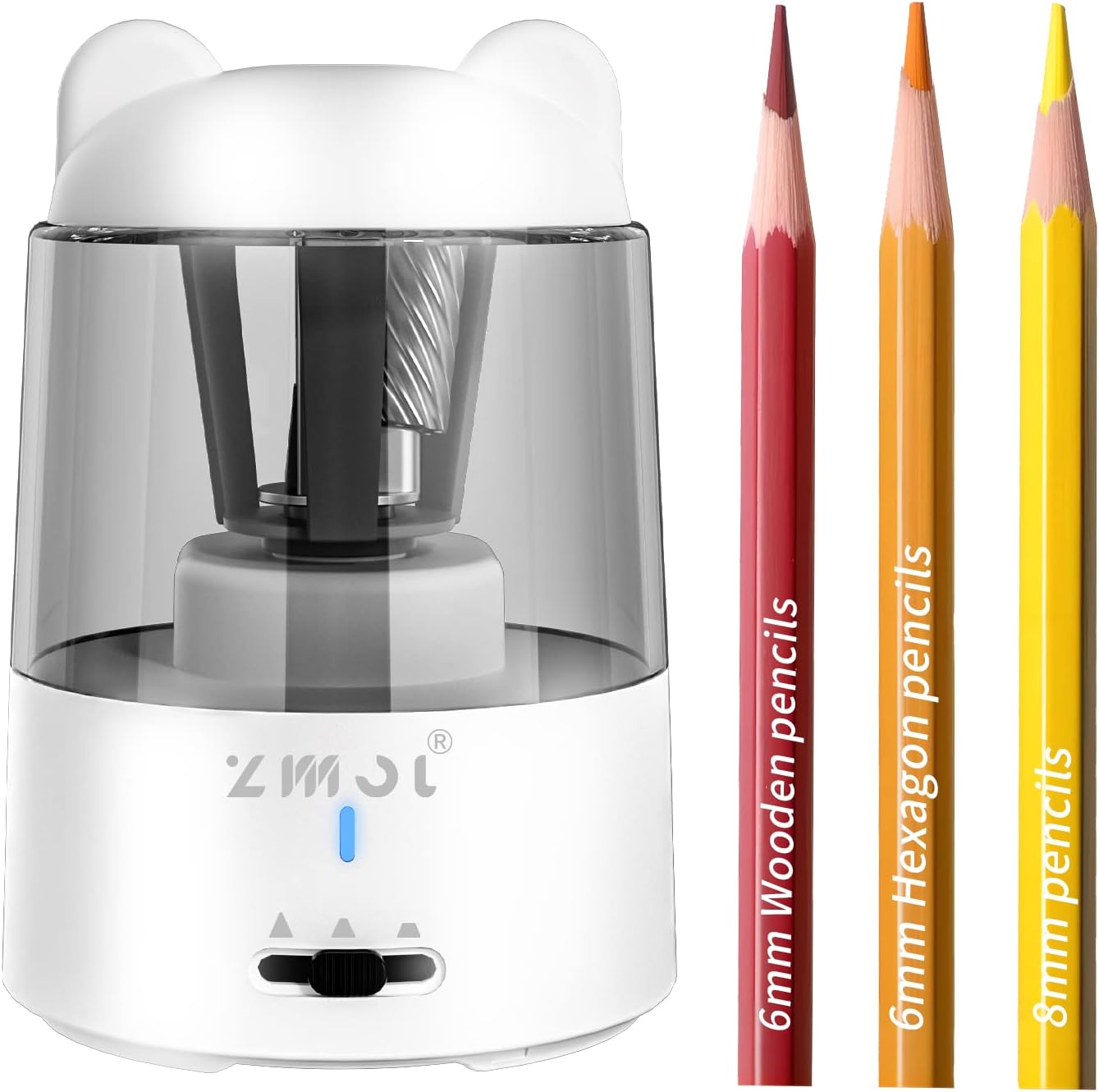 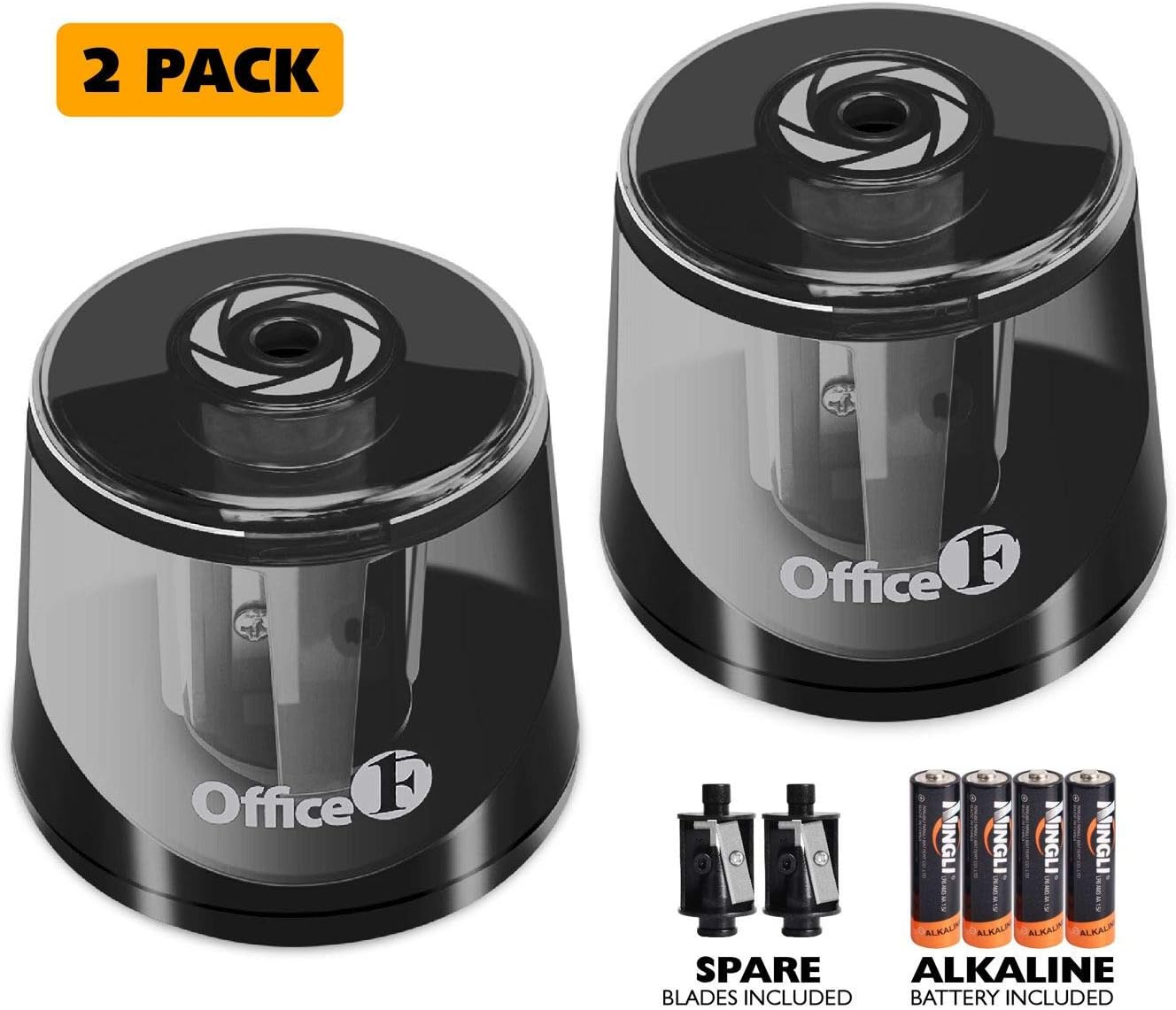   |
| Paper Shredders | 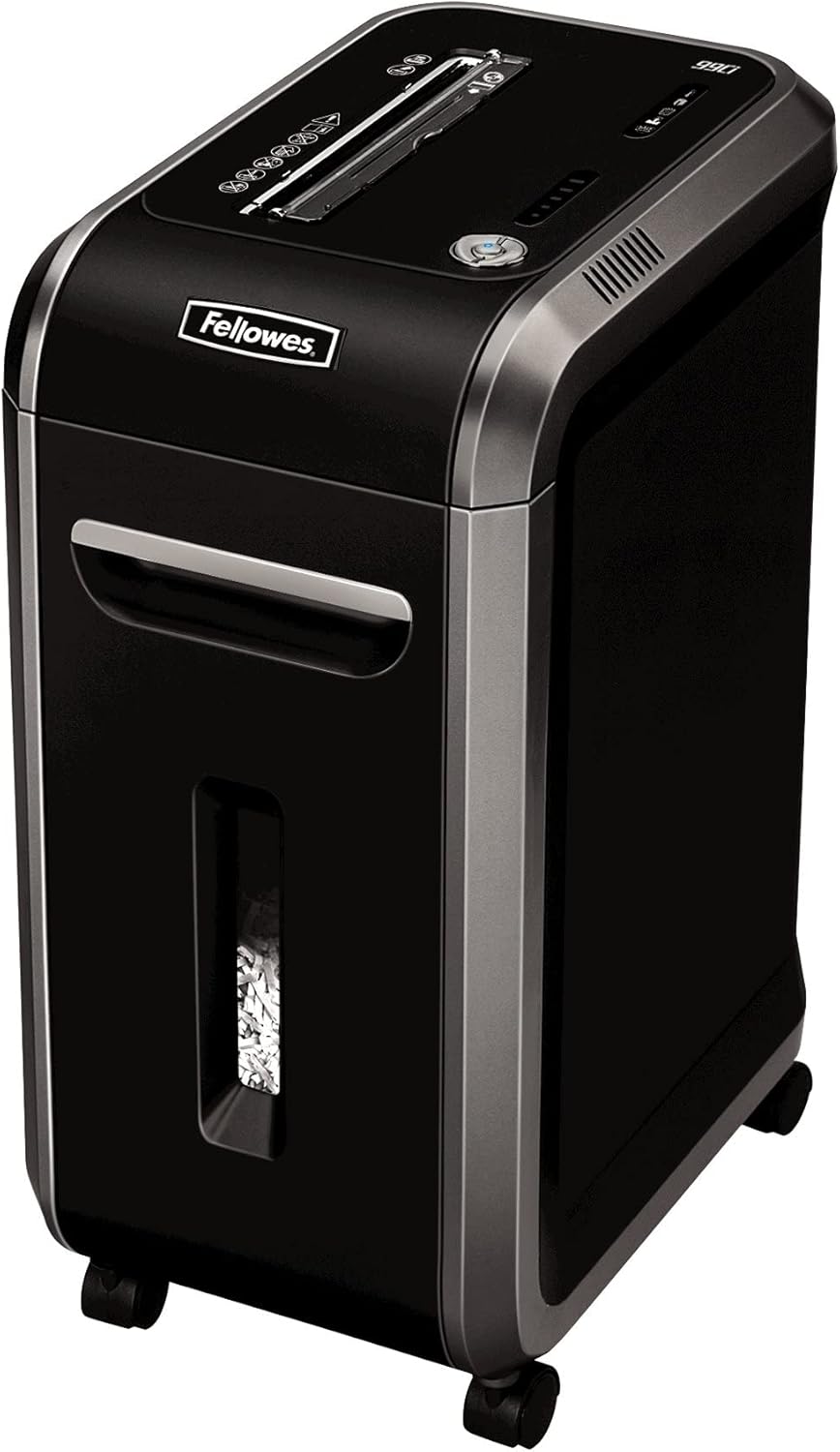     |
| Planner & Calendar Collection | 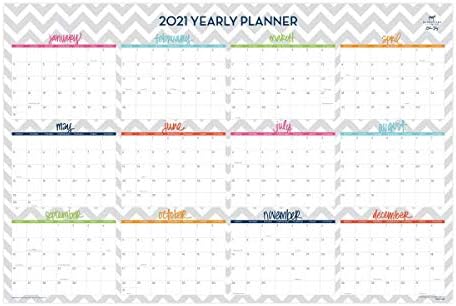  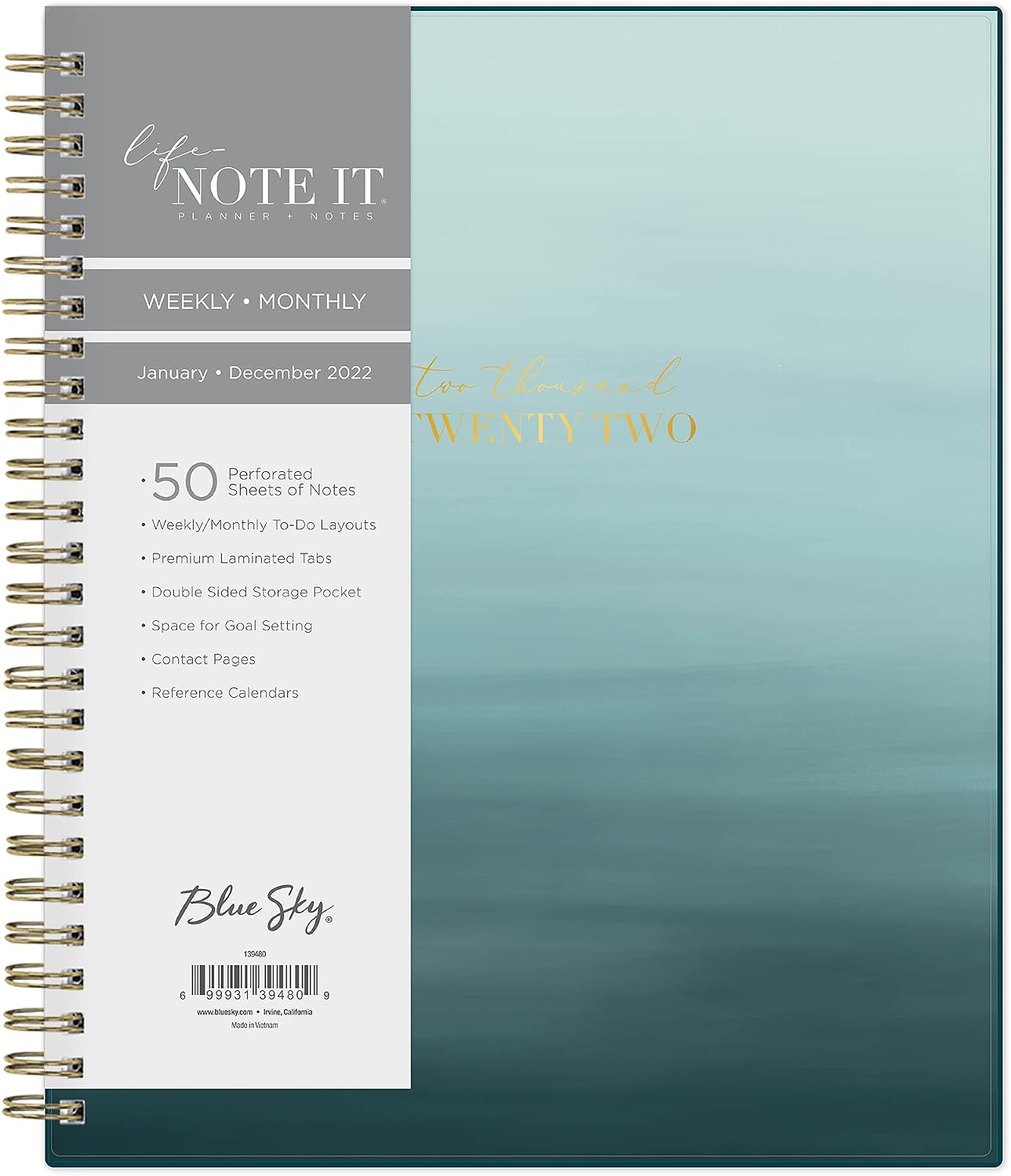   |
| Office Chair Mats |      |
Using clustering pipelines
The same steps can be combined with ClusteringPipeline. Results should be similar, although labels may vary because they are generated by an LLM.
[12]:
pipeline_cluster_graph = cc.ClusteringPipeline(
    [
        cc.SRPSimilarityClustering(
            threshold=0.5,            # minimum semantic similarity between items inside a cluster
            top_k=None,               # None = all pairs above threshold
            min_cluster_size=20,      # smaller clusters are discarded
            normalize_rows=True,      # centroids of the cluster will be normalized
            min_local_density=None,   # optional cleanup
            centroid_top_k=8,         # how many top features are included in centroid definition
            batch_size=32,
            show_progress=True,
        ),
        cc.LabelClusters(
            entity_metadata=meta,
            text_extractor=item_texts,
            label_fn=label_cluster,
            cluster_scope="all",
            show_progress=True,
        ),
    ]
)(sparse_embeddings)

visualize_clusters(pipeline_cluster_graph)
[12]:
| Cluster | Items (sample) |
|---|---|
| Office & Home Standard Calculators |     |
| Office Organization Essentials | 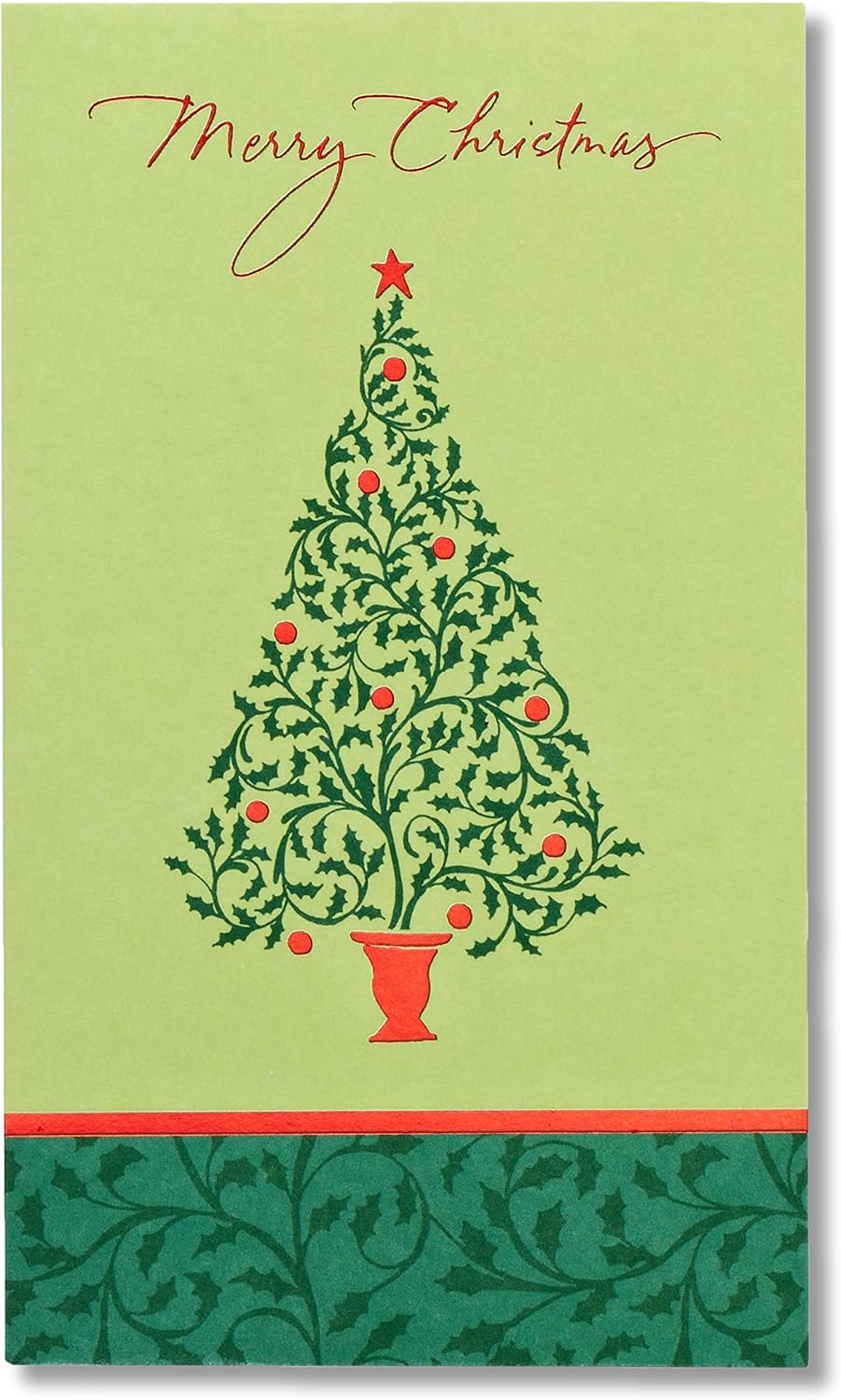   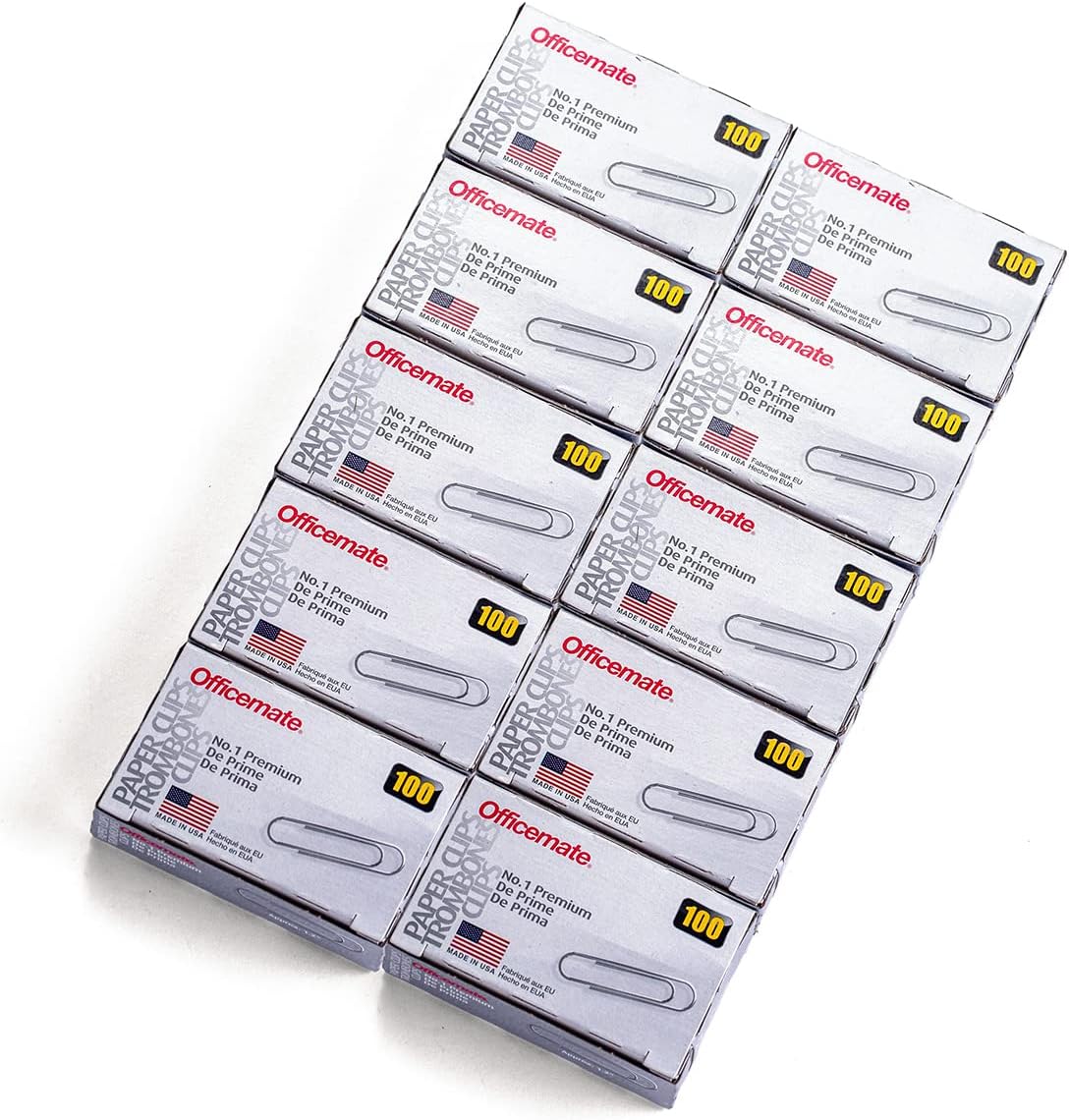  |
| Office Stationery & Packing | 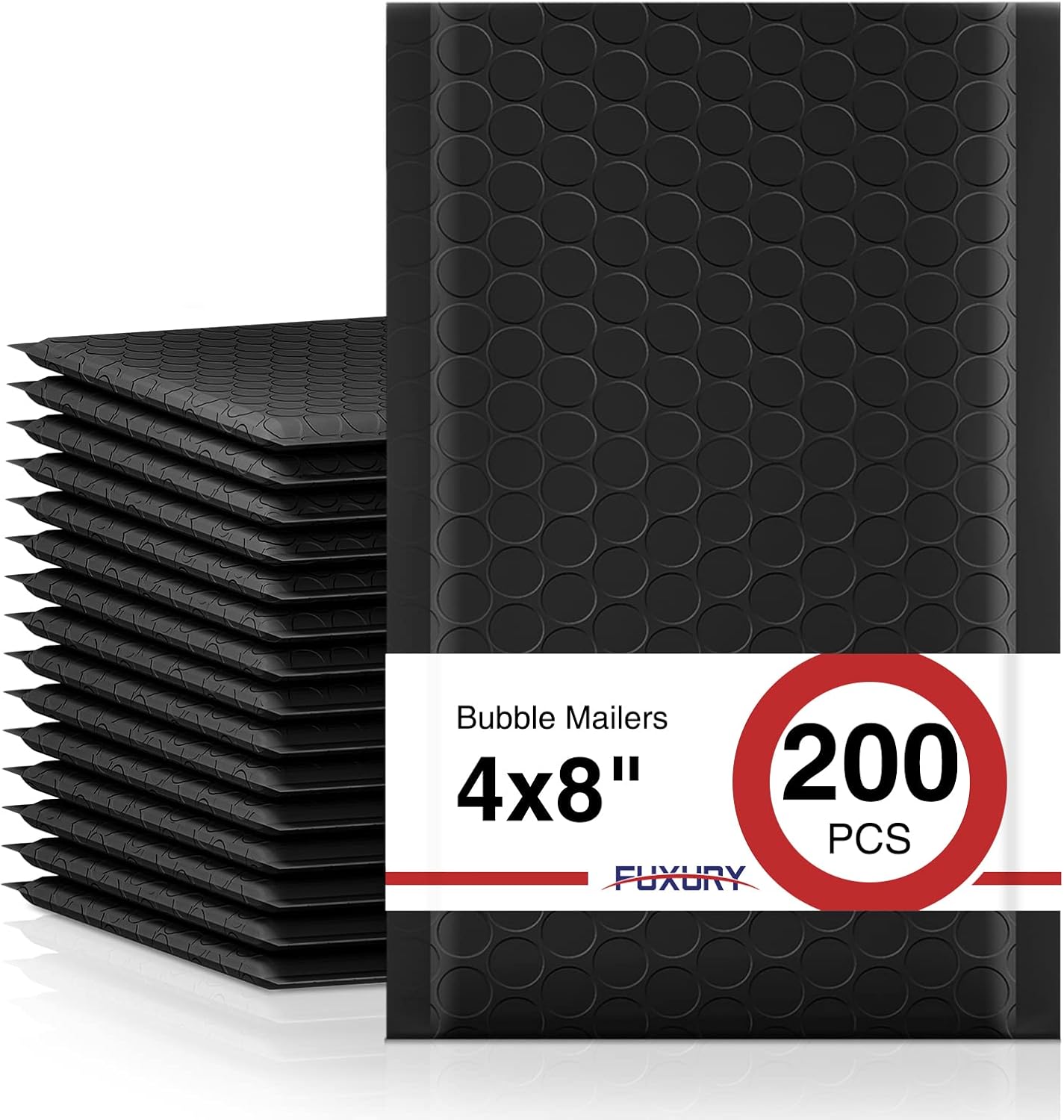    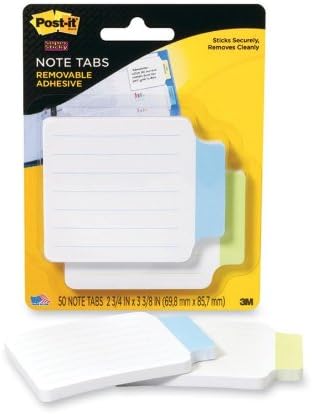 |
| Photo Printing Paper |    |
| HP Printer Ink |      |
| Paper Trimmers |  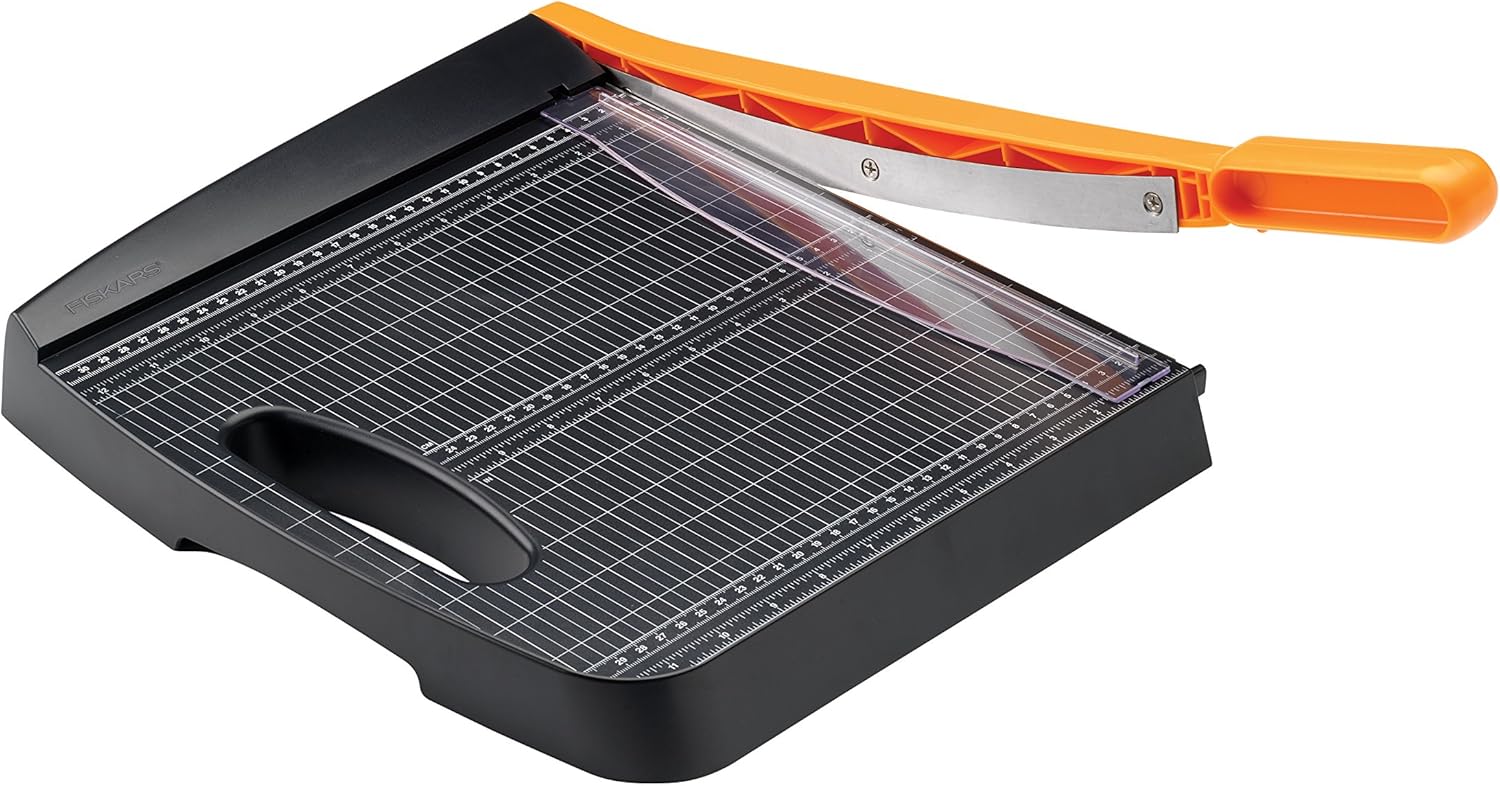  |
| Dry Erase & Whiteboard Supplies |  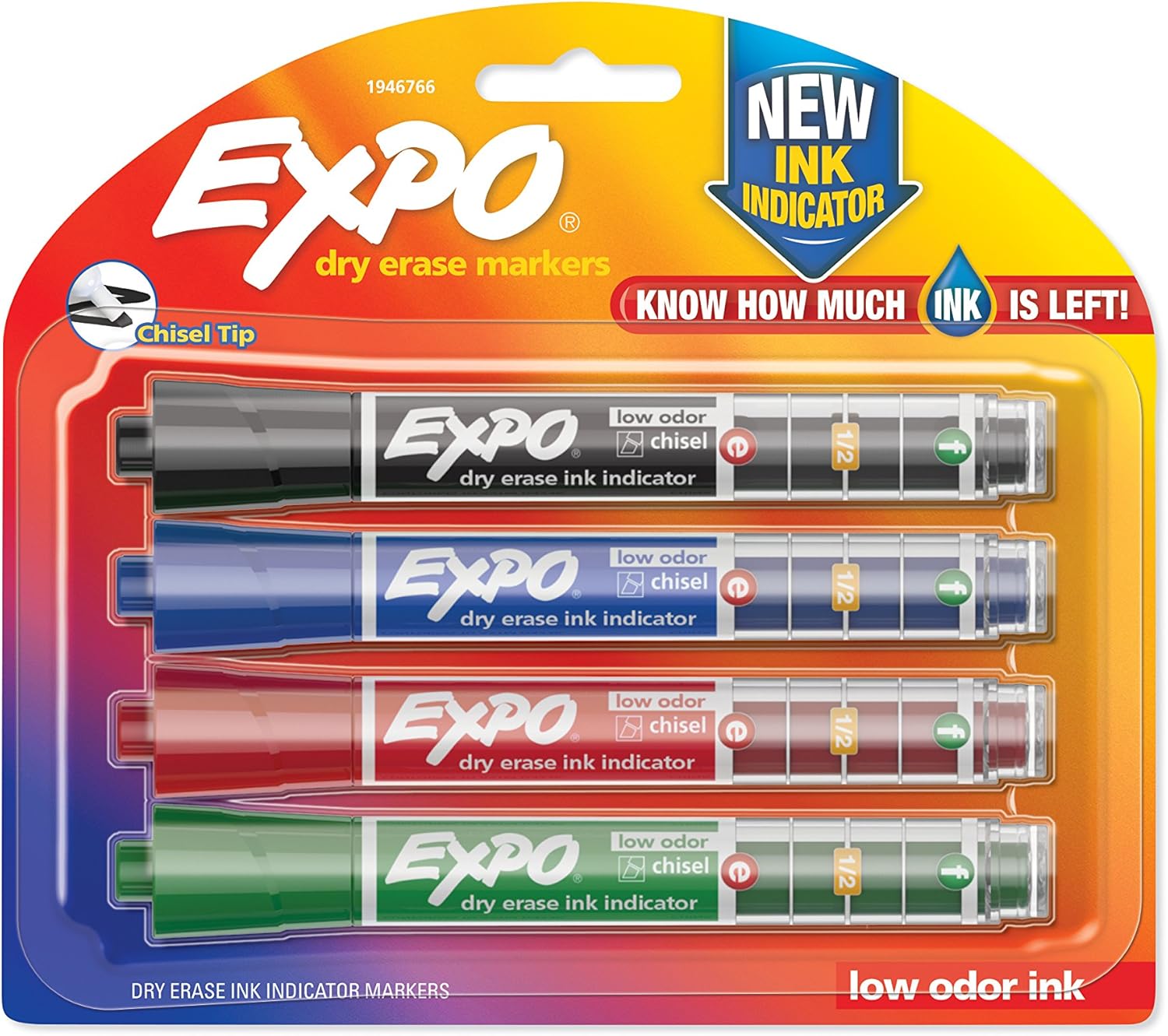   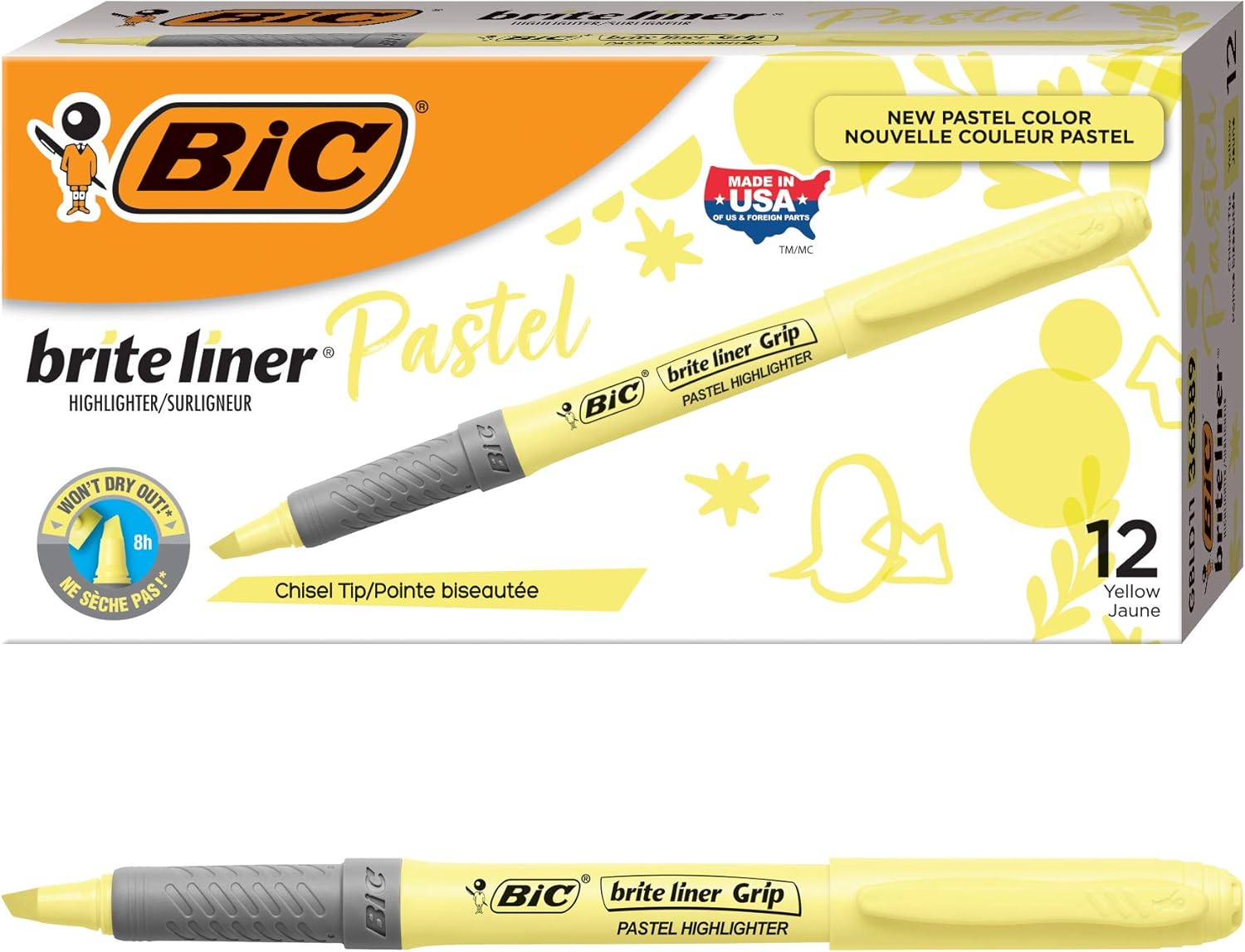 |
| Binder Tab Organizers |  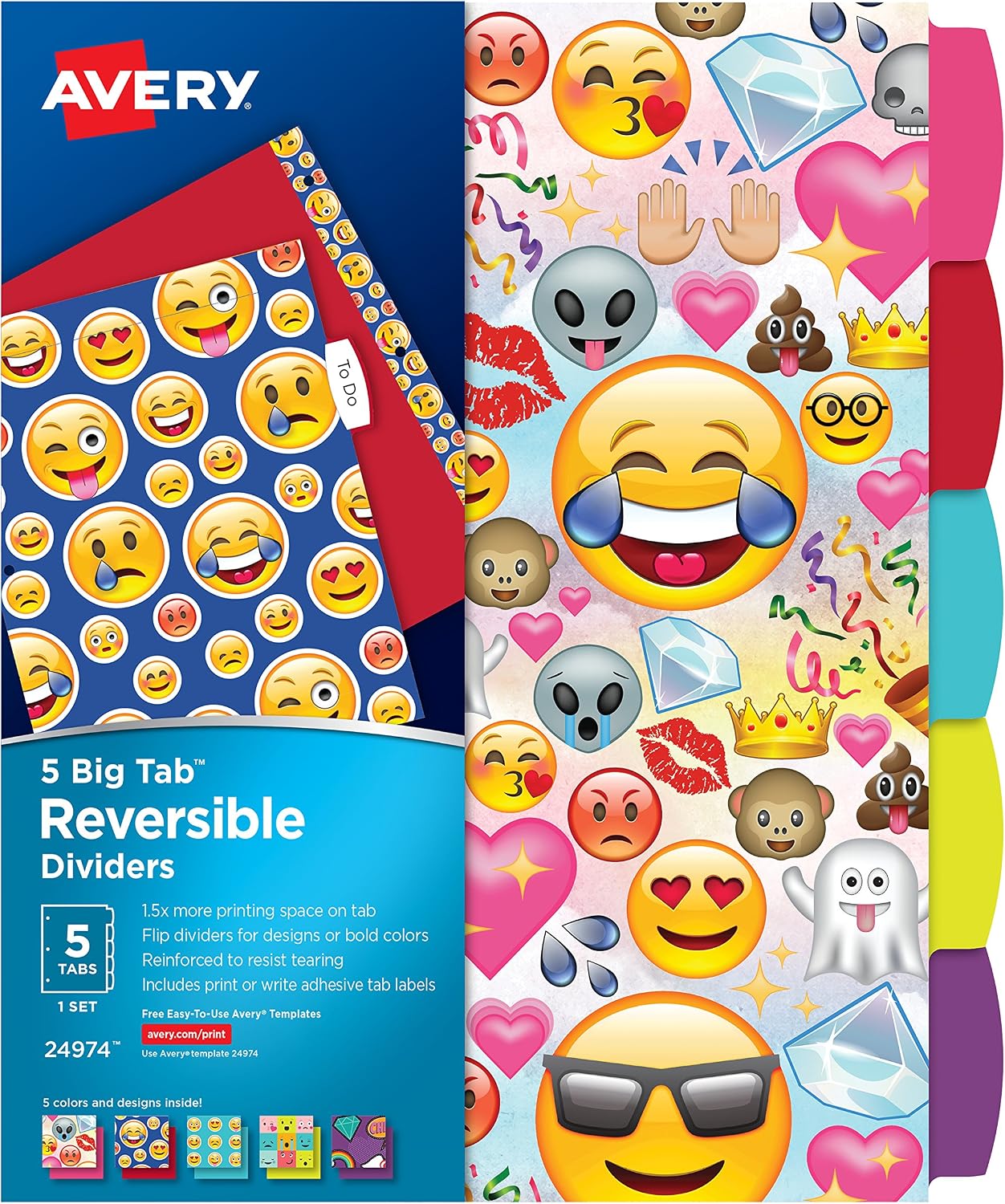    |
| Notebook & Paper |  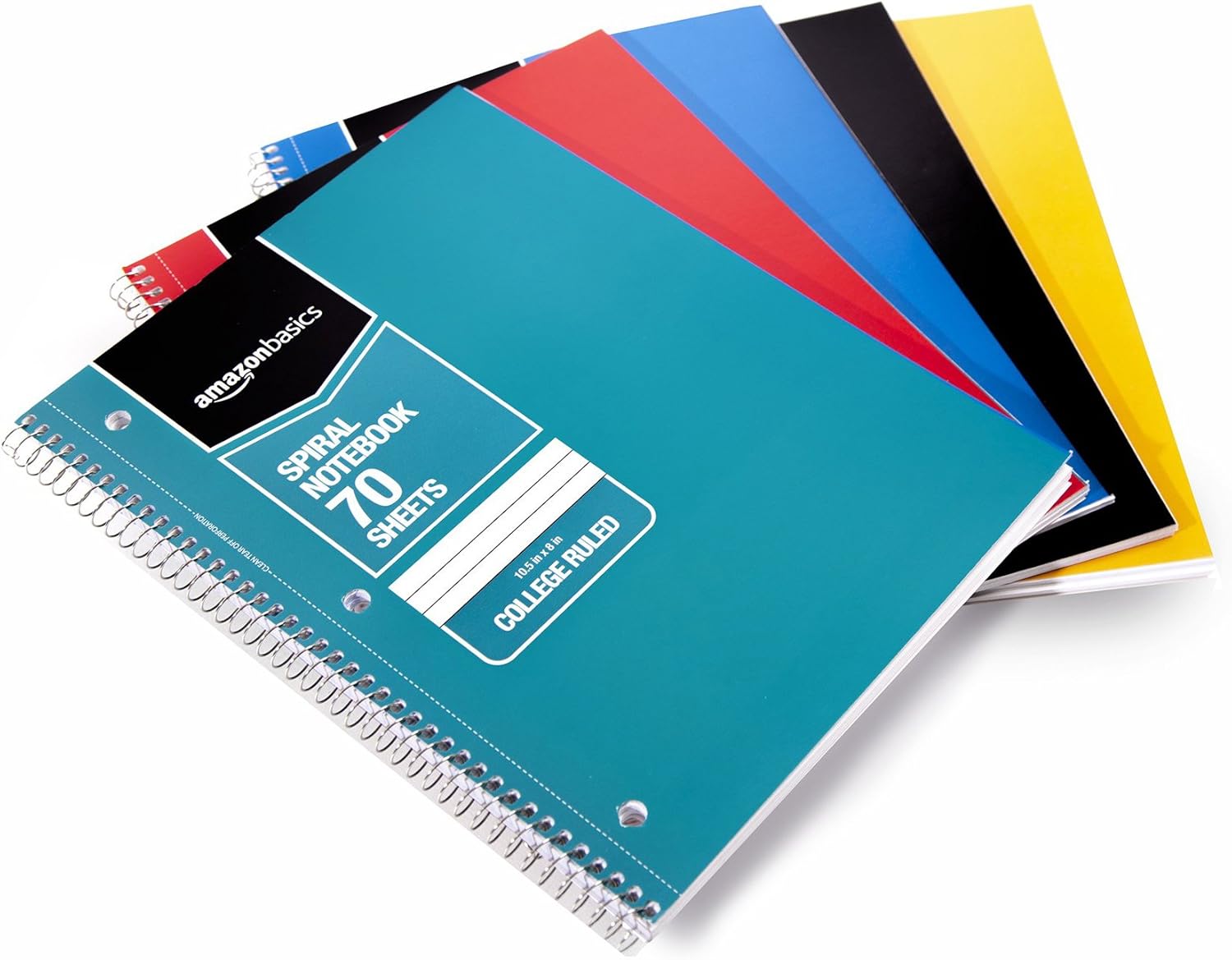   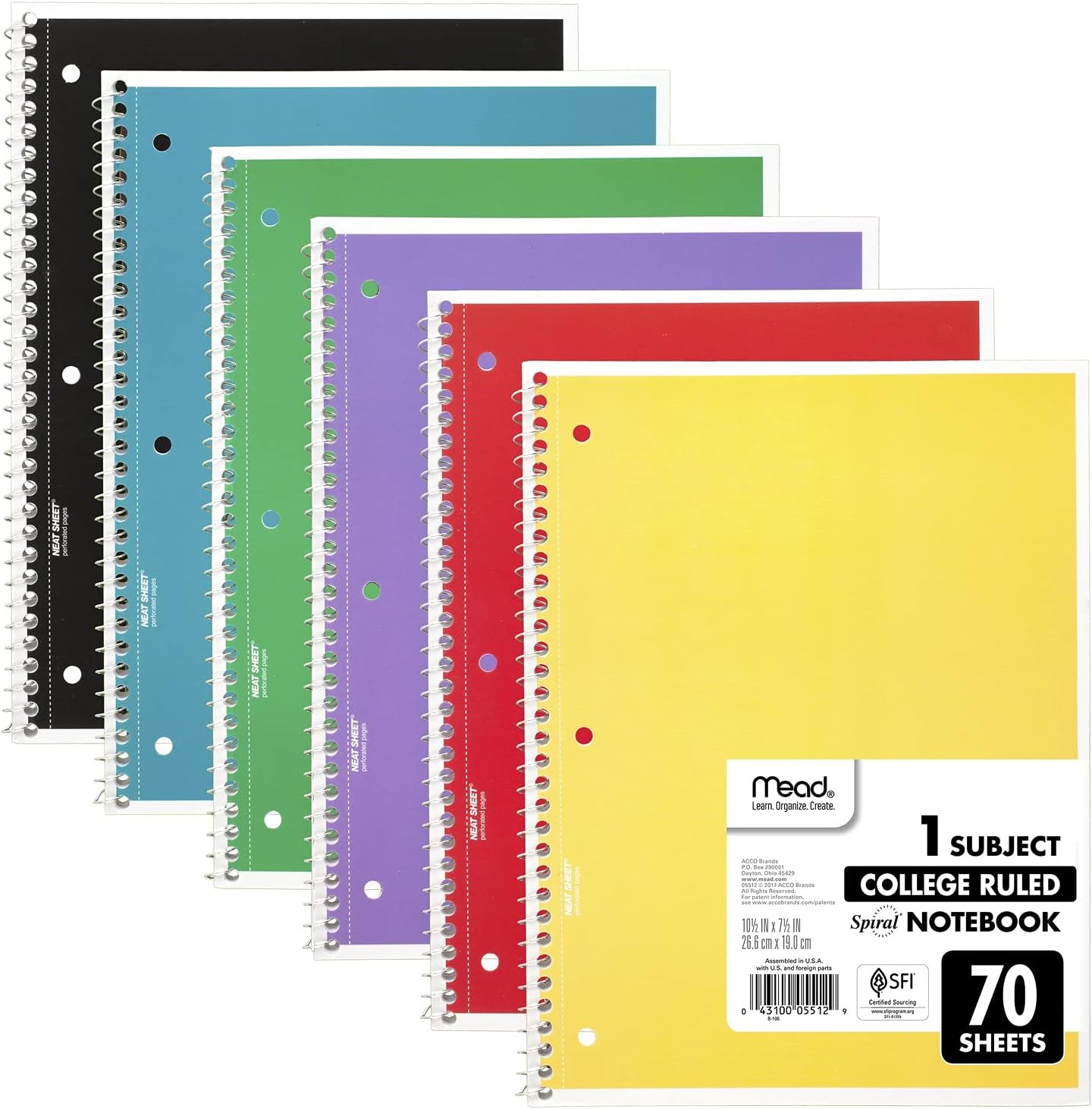 |
| Pens & Pencils |      |
| School & Office Pencil Sharpeners | 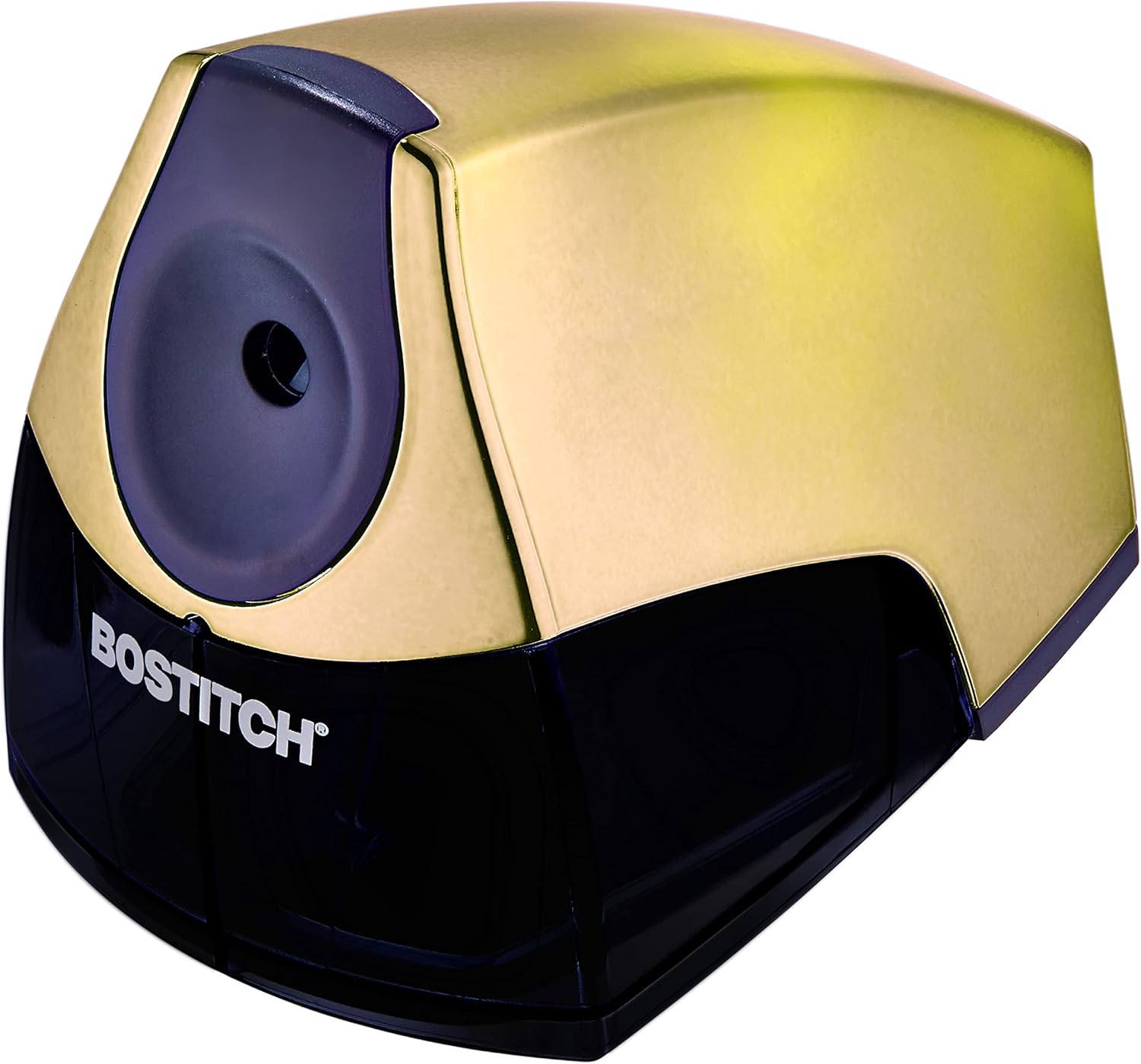    |
| Premium Colored Pencils |     |
| Labeling & Filing Essentials |      |
| Index Card Essentials |     |
| Staplers & Accessories |     |
| Secure Mailing Envelopes |     |
| Ink & Toner Supplies |    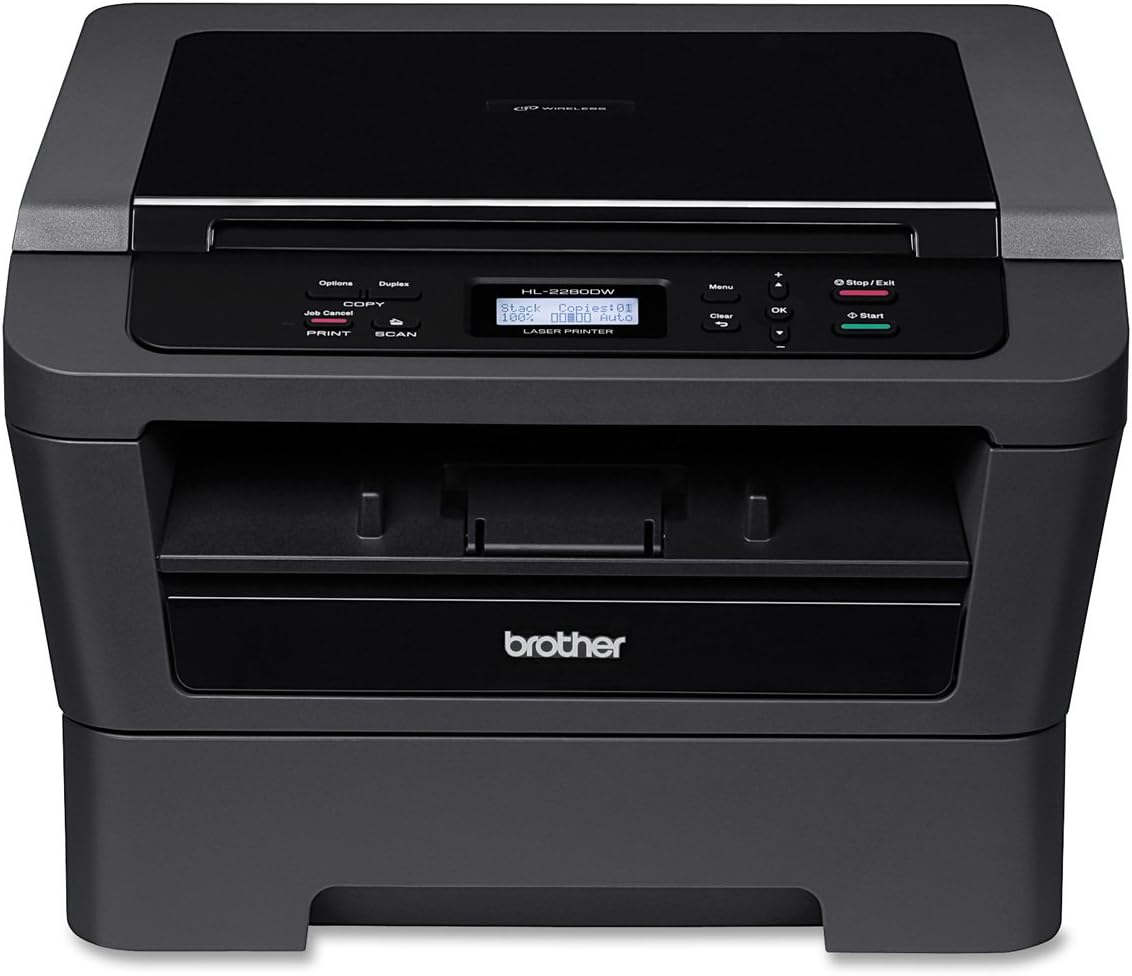  |
| Thermal Laminators & Pouches |      |
| Printing Paper |      |
| Ergonomic Gaming Desk Mat |      |
| Cordless Home Phone Systems |      |
| Office All‑In‑One Printers | 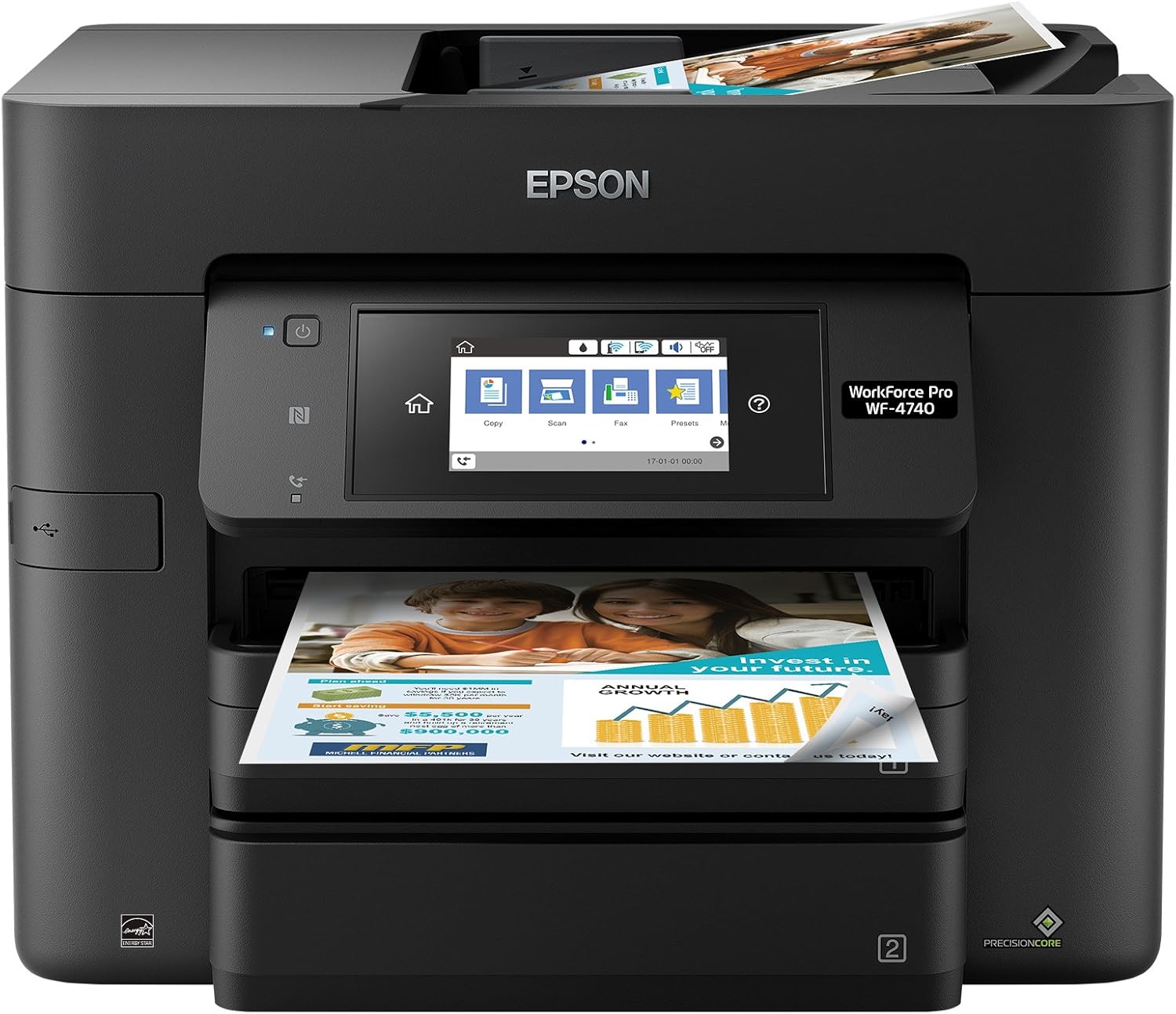     |
| Mono Stationery Essentials |    |
| Desk Organizers |    |
| Electric Pencil Sharpeners |   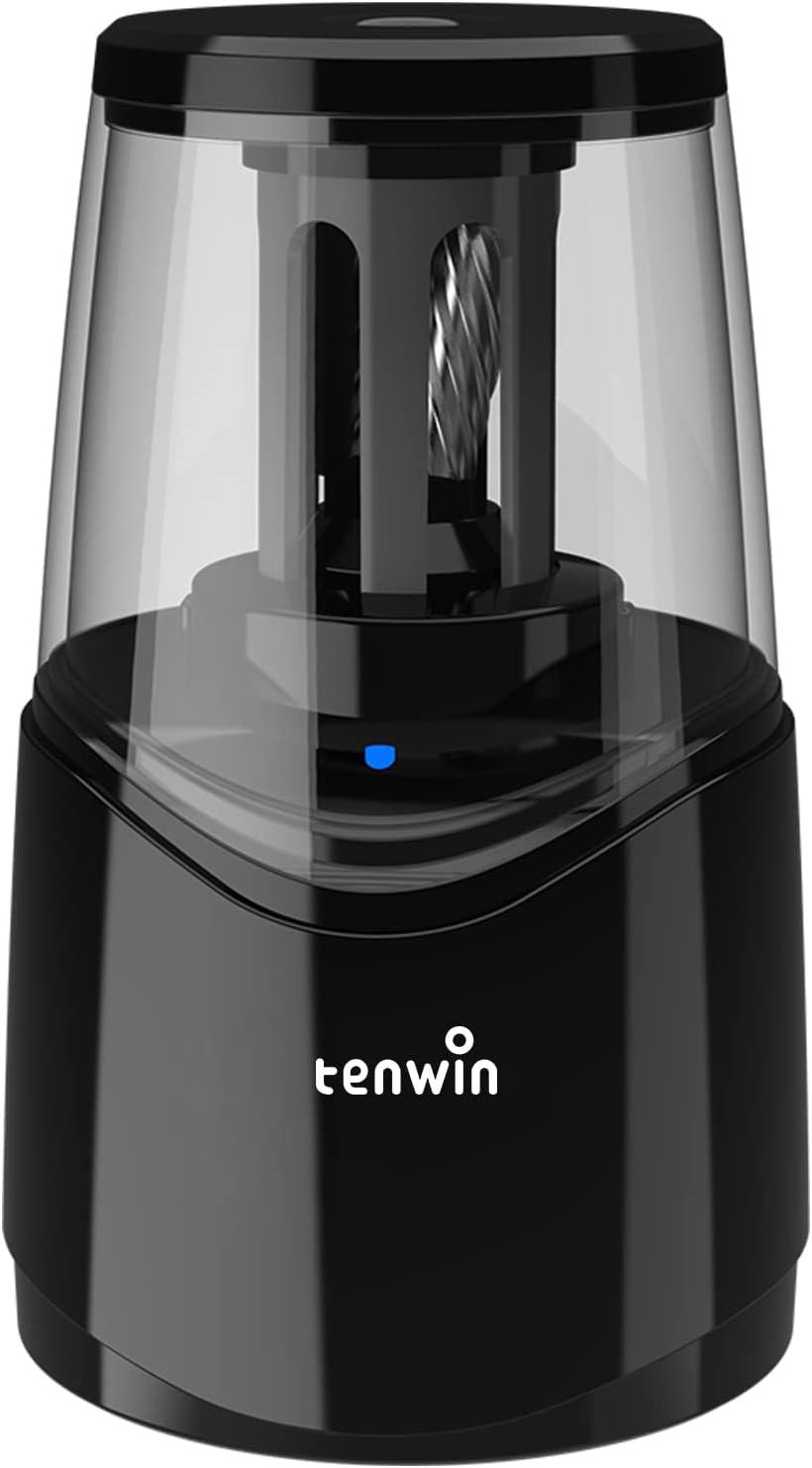  |
| Office Paper Shredder | 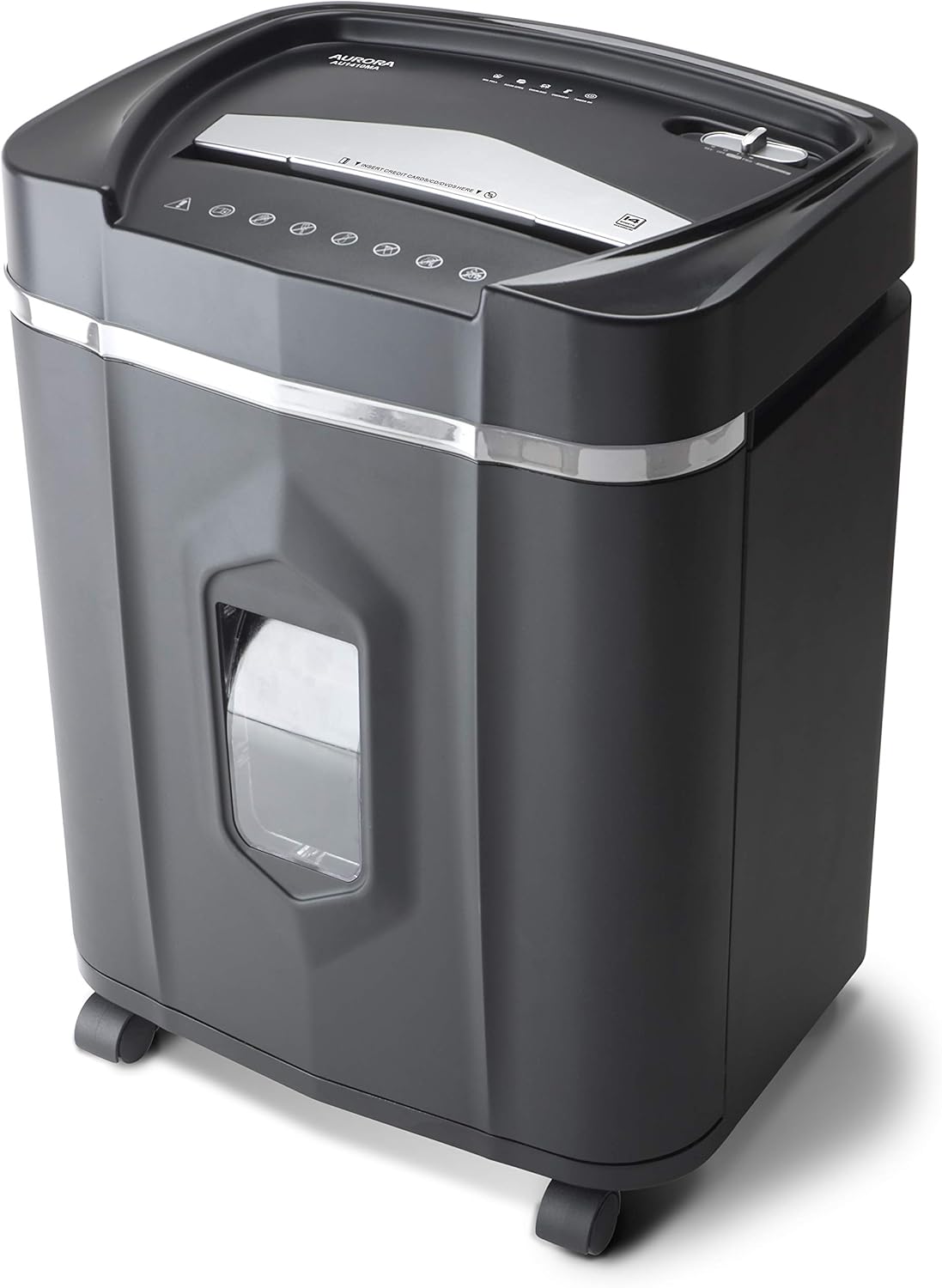    |
| Planner & Calendar Collection |      |
| Office Chair Mats |   |
[ ]: